01
A map app where every square has an address
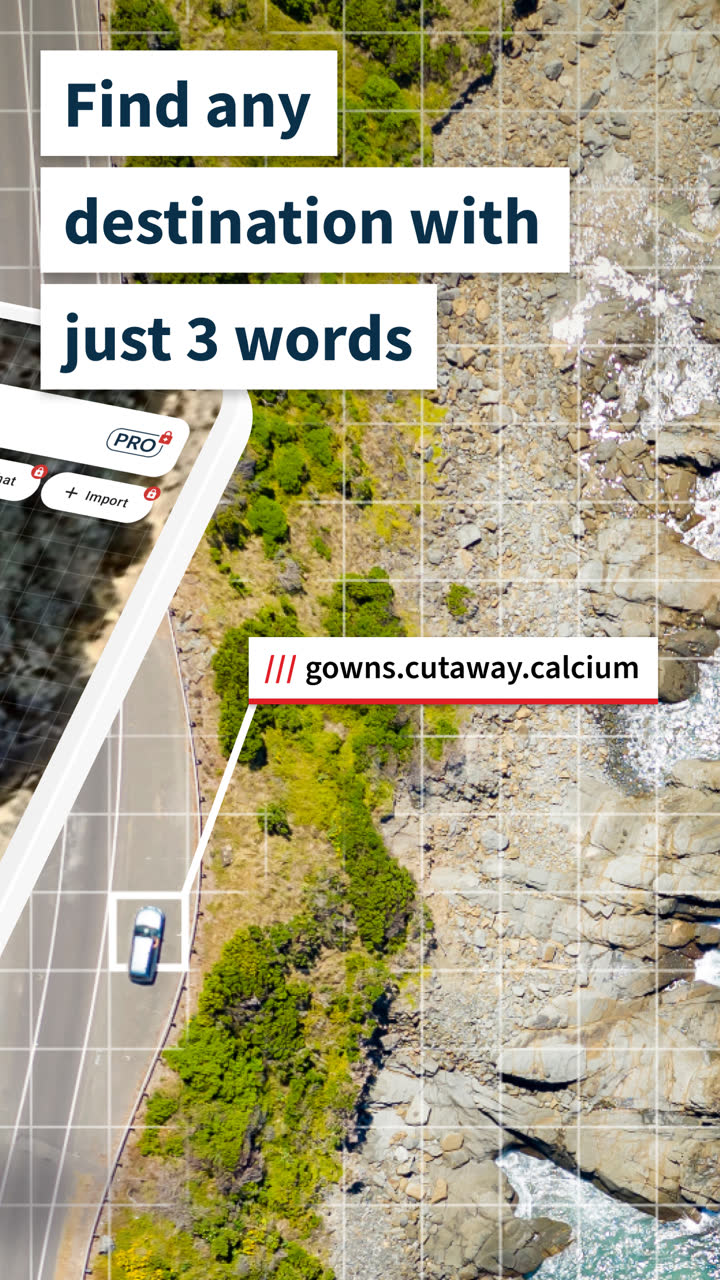
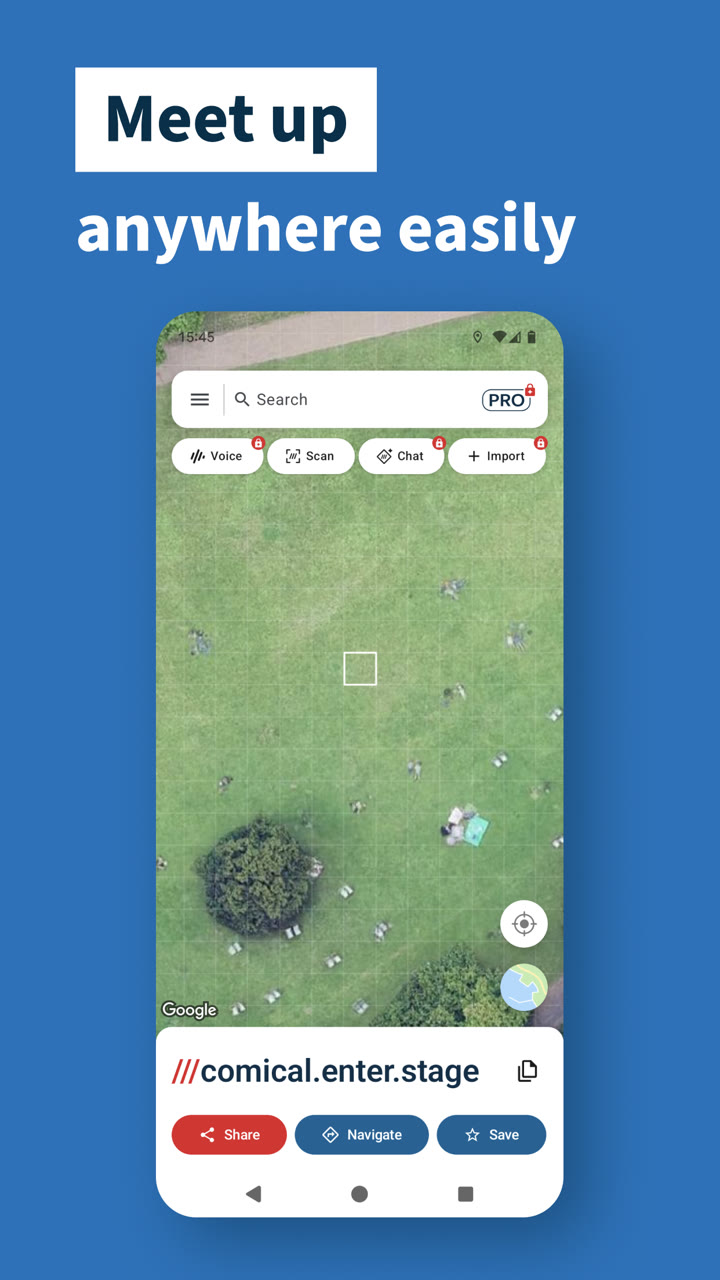
what3words divides the world into 3 metre squares and gives each one a unique three-word address, such as ///filled.count.soap. People use it to meet up, get deliveries to the right entrance, and tell emergency services exactly where they are.
The Android app has more than 10 million downloads, so its two core screens carry most of the product: the map where you find and select a square, and the search that gets you there. I joined as a senior Android engineer. Together with the Android lead, I shape the team's architecture, standards and technology choices, and on some projects those decisions were mine alone. I work closely with product, design and the iOS engineers on what to build and how.
02 / Map and search
Rebuilding one of the most complex features
The main map and search were one of the most complex features in the app. They were built on XML views and LiveData, slow and hard to maintain, and the map had to handle hundreds of markers at once. Every new feature made the screen a little harder to reason about.
I led the migration to MVI and Jetpack Compose. Each screen now has a single immutable state, every user action is an intent, and one reducer decides the next state. The UI only renders state and sends intents, so it no longer holds any logic of its own.
-
Compose UI renders state only
sends an intent
-
ViewModel reduce(state, intent)
emits a new state
-
State one, immutable
collected by the UI as a StateFlow
- One-off events such as navigate and share go out separately.
The map itself moved onto a shared map component our team built, covered in the next section. That replaced the app's own marker and camera code and gave the screen one map API, whichever provider is underneath.
To know whether the rebuild actually helped, I implemented a Macrobenchmark for the main map screen that scrolls and zooms the map hard, and ran it against the release before and after the refactor.
Worst-case frame overrun (P99)
How far the slowest 1% of frames missed their display deadline. Lower is better.
close to a fifth of a second frozen
| Metric | Before | After | Change |
|---|---|---|---|
| Frame time, P50 | 11.87 ms | 12.47 ms | +0.60 ms |
| Frame time, P95 | 27.15 ms | 22.79 ms | −4.36 ms |
| Frame time, P99 | 41.91 ms | 31.26 ms | −10.65 ms |
| Frame overrun, P99 | 178.34 ms | 30.81 ms | −82.7% |
| Private RAM (RSS anon) | 247.9 MB | 217.3 MB | −30.6 MB |
| Mapped files (RSS file) | 457.1 MB | 413.4 MB | −43.7 MB |
| Java heap | 65.8 MB | 69.0 MB | +3.2 MB |
The old screen had a decent typical frame but locked up under pressure. The rebuild traded 0.6 ms on the median frame, still well inside the 16.6 ms budget for 60 fps, for removing the freezes: worst-case overrun dropped by 82.7%, and the app's private memory fell by about 30 MB. The rebuild also deleted around 20,000 lines of legacy code.
Both runs used JIT only, so the next step is a Baseline Profile that pre-compiles the new screen's rendering paths and should improve these numbers further.
Why it worked
03 / Open source
One map API over Google Maps and Mapbox
what3words apps need the same things on any map: the 3 metre grid, markers with addresses, square selection, and controls for location and map type. It has to work on both Google Maps and Mapbox, and writing that twice in every app was not an option.
Our team built w3w-android-map-components, an open-source library with a Compose API and a View API, and I led its architecture. The app's map screen is built on it, so the rebuild and the library improved each other.
Performance work landed in the library, where every app benefits.
One example: the map's content is wrapped with movableContentOf, so it is not recomposed from scratch whenever the map recomposes,
and camera bounds are computed without extra coroutine hops and without crashing when the map has not finished laying out.
04 / Kotlin Multiplatform
One search engine for Android and iOS
I introduced Kotlin Multiplatform at what3words by building shared internal libraries, and took them from nothing to production with a team of Android and iOS engineers. The clearest example is search, which is public as w3w-kmp-search-wrapper.
Every map app needs the same search box, and "useful results" is a mix of very different sources:
- Local parsers that should never touch the network: three-word addresses, raw coordinates, British National Grid references.
- Geocoders for everything else, like Mapbox and Google Places, which cost money per session.
- Platform sources that only exist on one side, like Apple Maps on iOS.
The library puts all of them behind one client, configured with a small DSL:
val client = W3WSearchClient(textDataSource) {
    install(ThreeWordAddressSearch, priority = 10)
    install(CoordinatesSearch, priority = 9)
    install(MapboxSearch, MapboxConfig(apiKey), priority = 1)
}

val results = client.search("filled.count.soap")   // suggestions
val address = client.resolve(results.first()) // only when tappedThree decisions shaped it:
-
01Priority is a number, not an order
Providers with the same priority run concurrently and their results merge. Local parsers answer instantly together, and paid geocoders only run as a fallback, without any scheduling code in the app.
-
02Resolving is a separate step
Search returns display-ready suggestions without coordinates. Only the one the user taps is resolved to a full address, which matches how Mapbox and Google bill sessions.
-
03Every built-in uses the public contract
A provider is two tiny interfaces and nothing else: no registry, no reflection, no private API. If a built-in could not be written against the contract, the contract grew. Failures are typed results, so one broken provider never poisons the merged list.
The moment it paid off
suspend functions to Swift async,
they wrote the provider in pure Swift inside the iOS app, and the Kotlin dispatcher runs it alongside the built-ins as if it were native.
iOS went from consumer of the library to a peer that can extend it.
It ships to Android through Maven Central and to iOS as an XCFramework through Swift Package Manager, and reached 1.0 in July 2026. The rough edges were honest ones: heterogeneous lists do not bridge cleanly to Swift, and Kotlin generics in the install DSL had to be mirrored by a Swift-friendly API.
05 / AI Chat and Voice
The flagships of what3words Pro
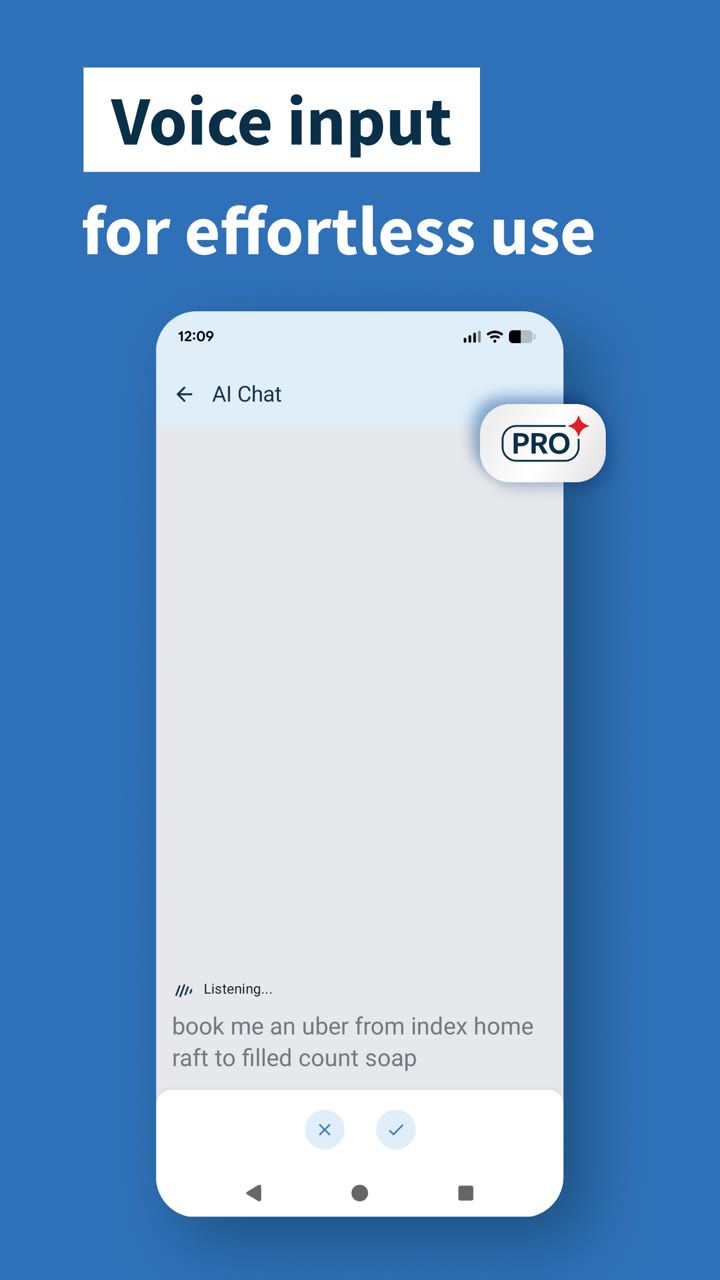
Version 5.0 was the turning point for the app: until then it had been completely free, and 5.0 introduced a Pro subscription for advanced features. AI Chat and AI Voice were its flagships, the features that had to make Pro worth paying for.
For that release I led the Android side of AI Chat and AI Voice with one other Android engineer. I worked with the product manager and designer from the first idea, gave early feedback on what was feasible, and turned the concept into a shippable product. On the engineering side I defined the architecture, the coding standards and the technologies we used.
Three problems shaped the engineering:
- Unpredictable answers. Model output is treated like any untrusted input. Replies are parsed into a sealed set of actions the app already knows how to perform, so the model can never invent a new behaviour. Anything that does not parse falls back to a plain text reply instead of an error.
- Addresses that look right but are not. A model can produce three plausible words that point to the wrong place, or nowhere. No address from the model is shown as tappable until the what3words API confirms it; if it fails, the app offers the closest AutoSuggest matches instead.
- Acting in real time. Replies stream into the chat as they arrive, and each action card appears the moment its address is validated, so the user can tap through to the map before the full answer has finished.
06
In the car
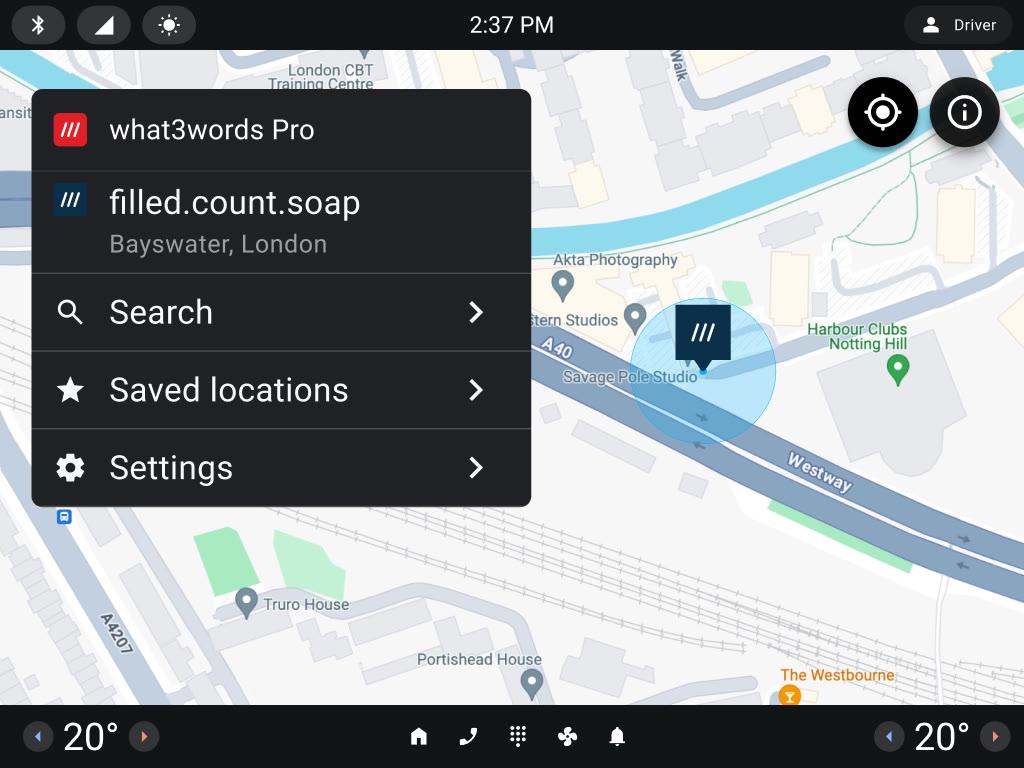
I also built production Android Automotive apps with Jetpack Compose and the Car App Library, deployed to major automotive suppliers including Pleos, Visteon and Harman.
The same search and saved locations, redesigned for a glance from the driver's seat.
07
What I took away
- Measure before you refactor. A benchmark turned a rewrite from a matter of taste into a decision the whole team could check.
- The best code is often the code you delete. Twenty thousand fewer lines made the screen faster and every later feature cheaper.
- Build shared code for peers, not consumers. Kotlin Multiplatform landed because iOS could extend the library in Swift, not just call it.
- Treat AI output as untrusted input. Constrain it, validate it, and give it a graceful fallback, and it becomes a feature people can rely on.